
Linear and Google Calendar, mirrored in
Issues assigned to you and events from the calendars you choose appear in your lists and calendar, read-only, every five minutes and whenever you come back.
DevBrain is the all-in-one productivity app for developers. It runs on your computer, keeps your work in a folder you own, and brings in your Linear issues and Google Calendar.
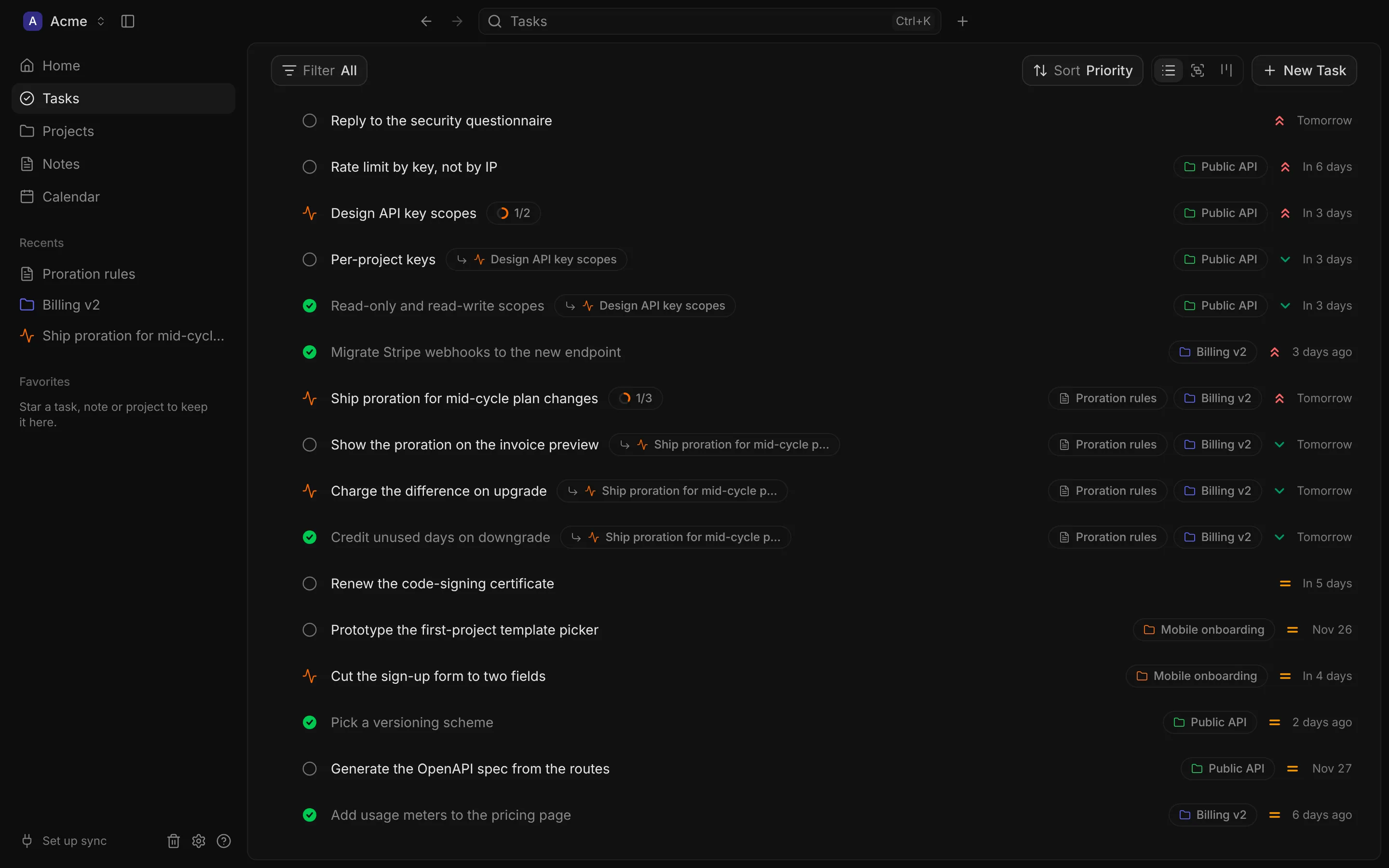
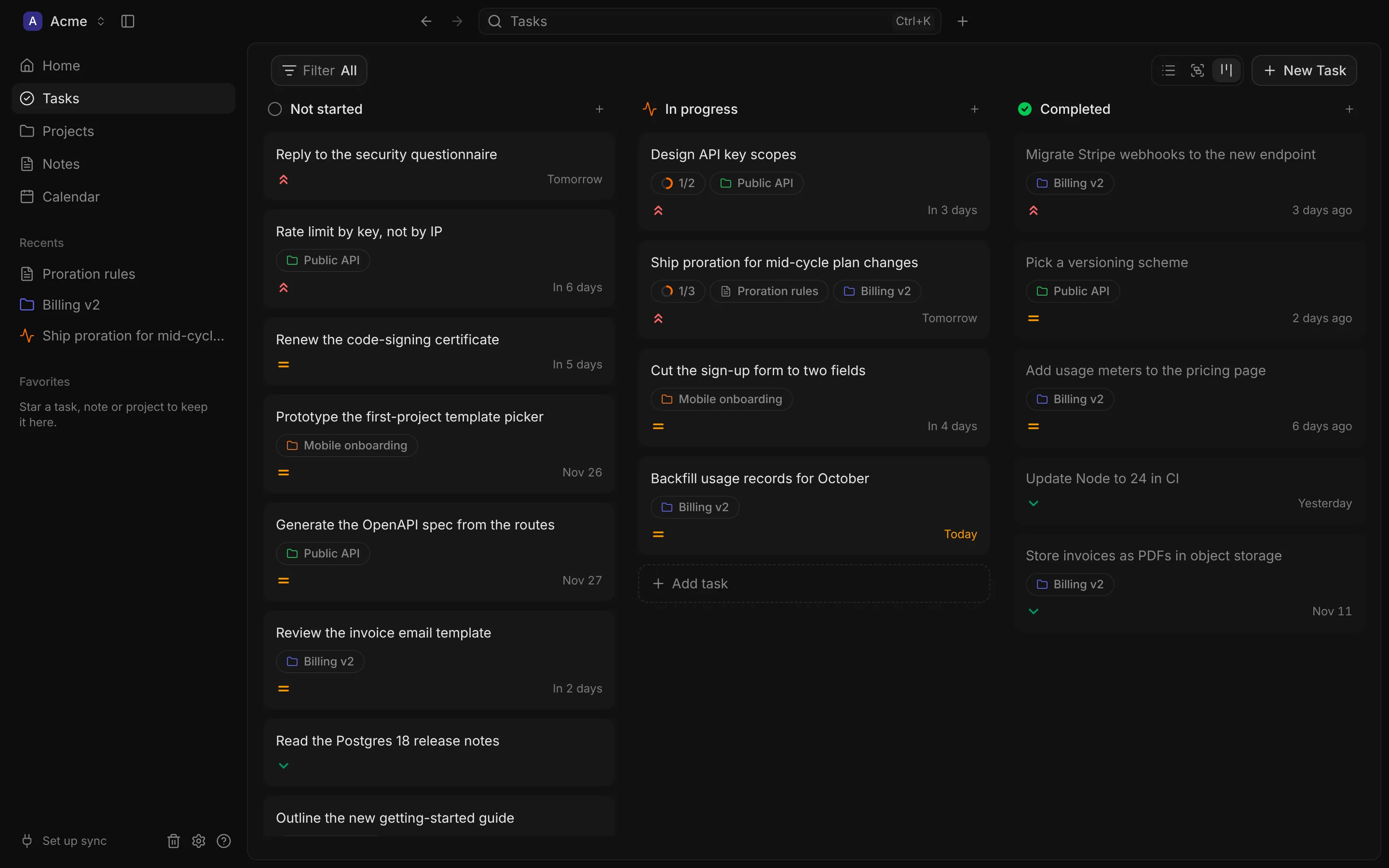
Everything links to everything: a task to its project, a note to its meeting.
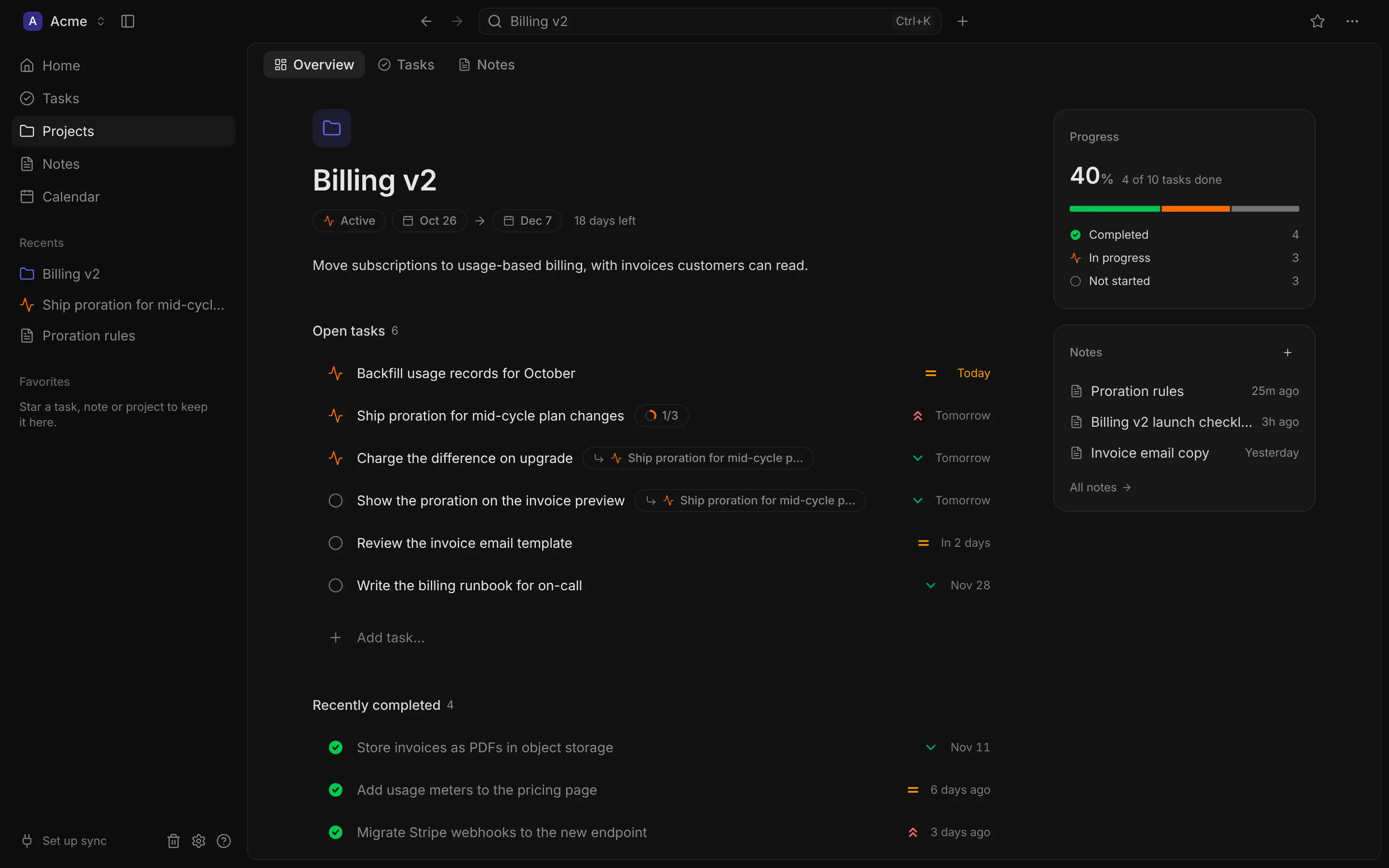
Its status, dates and days left, the open and recently finished tasks, progress by status and its notes, all on one page.
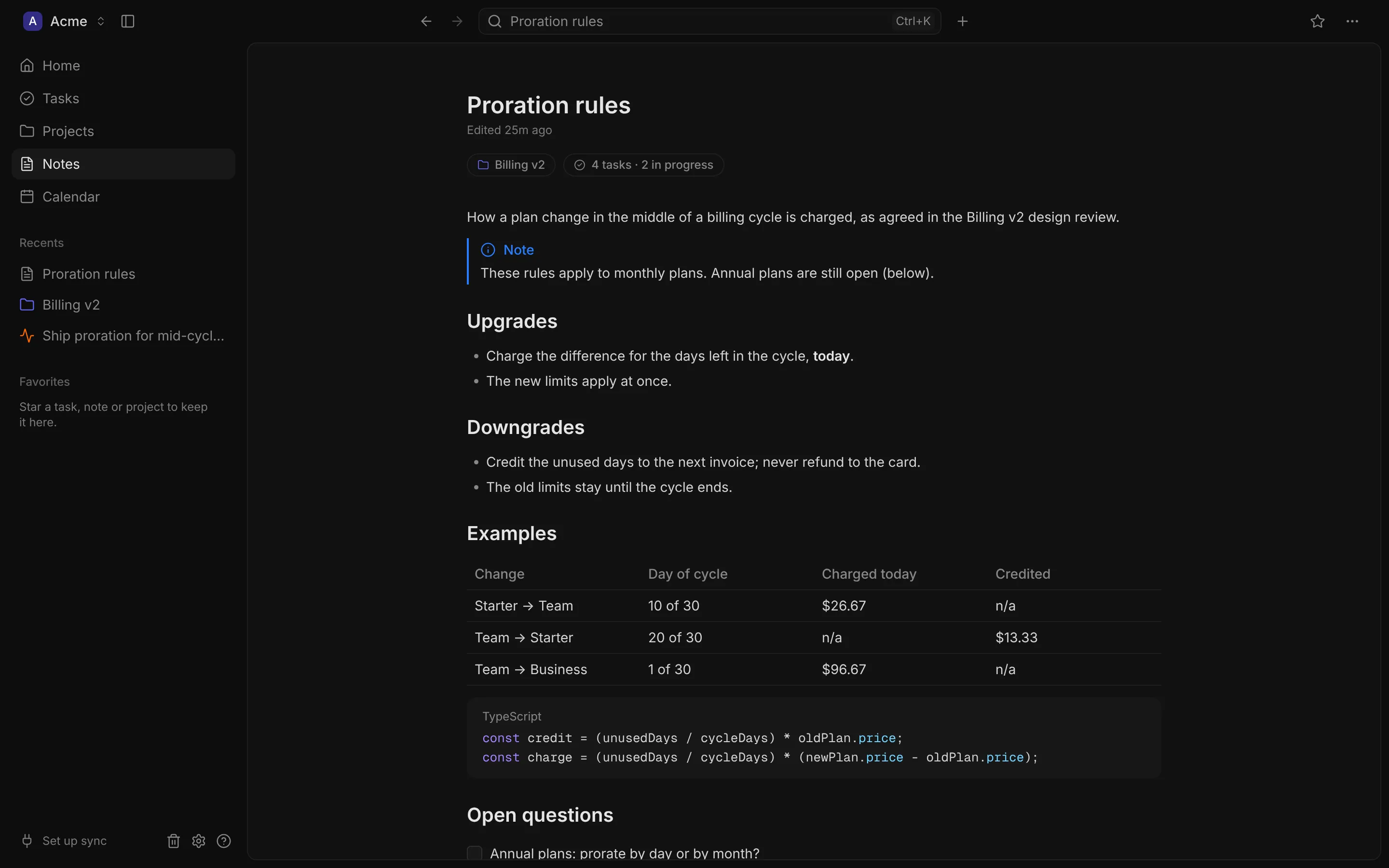
Headings, lists, checklists and fenced code with syntax highlighting. Each note is a Markdown file, linked to the project or task it’s about.
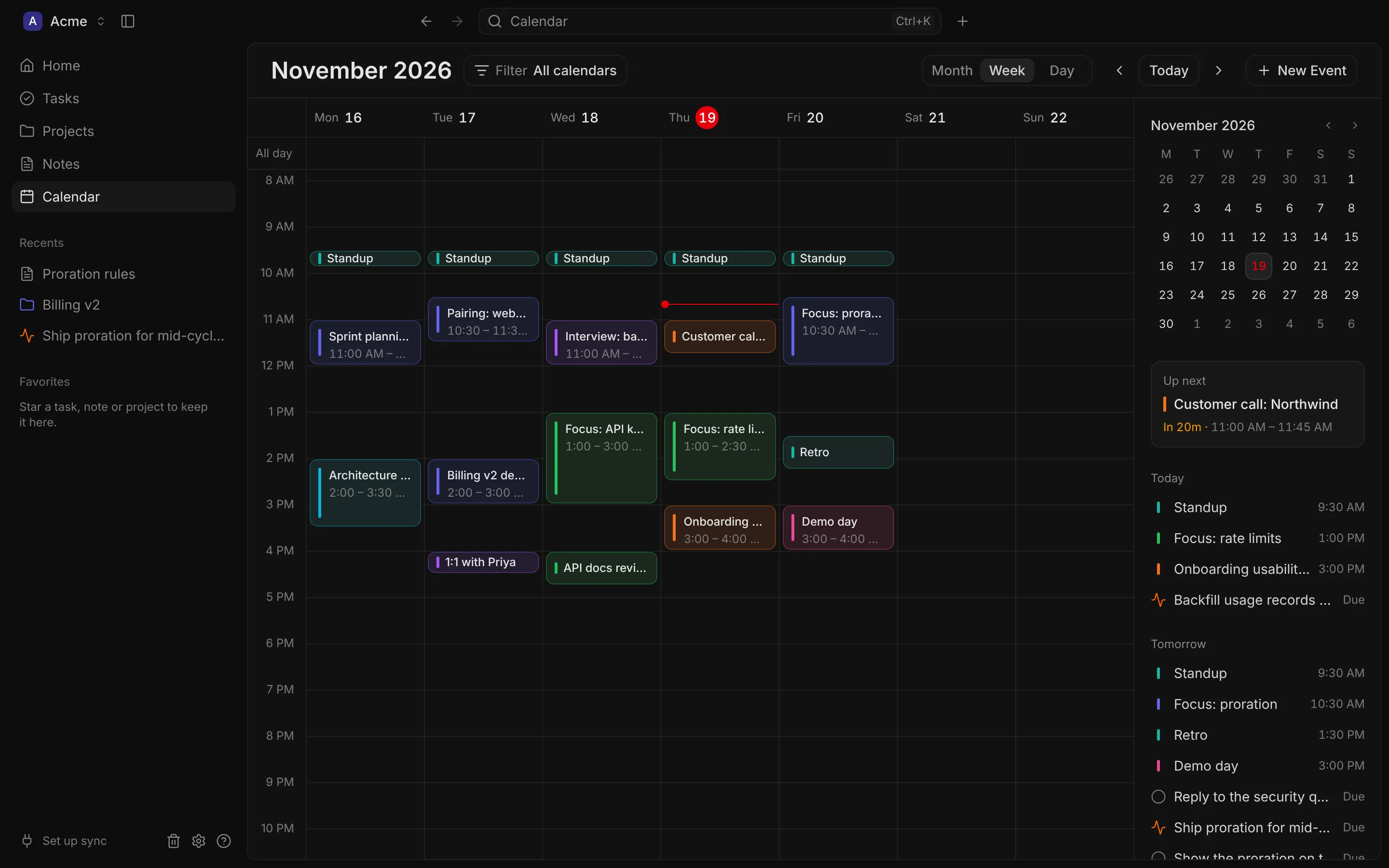
Up next counts down to your next meeting, and the agenda puts today’s and tomorrow’s meetings beside the tasks that are due, so the day’s plan is one glance.
Bring in what lives elsewhere, find anything in a keystroke, and keep it all on disk.
Issues assigned to you and events from the calendars you choose appear in your lists and calendar, read-only, every five minutes and whenever you come back.
One search across tasks, projects, notes and events.
A SQLite database and your notes as Markdown files. Copy it to move it to another computer.
There’s no DevBrain server. Your work stays on your computer, and integrations talk to Linear and Google directly.
Import tasks from CSV or JSON and notes from Markdown, and export them the same way.